Yes, you must communicate the SAF-T file by the 5th of the month following the month of self-invoicing and, in the remaining months, you must communicate the absence of invoicing, if your only activity is CAE 35123.
You will receive the SAF-T file by email on the first day of the month following the self-invoice.
MEO Energia is responsible for issuing the SAF-T file.
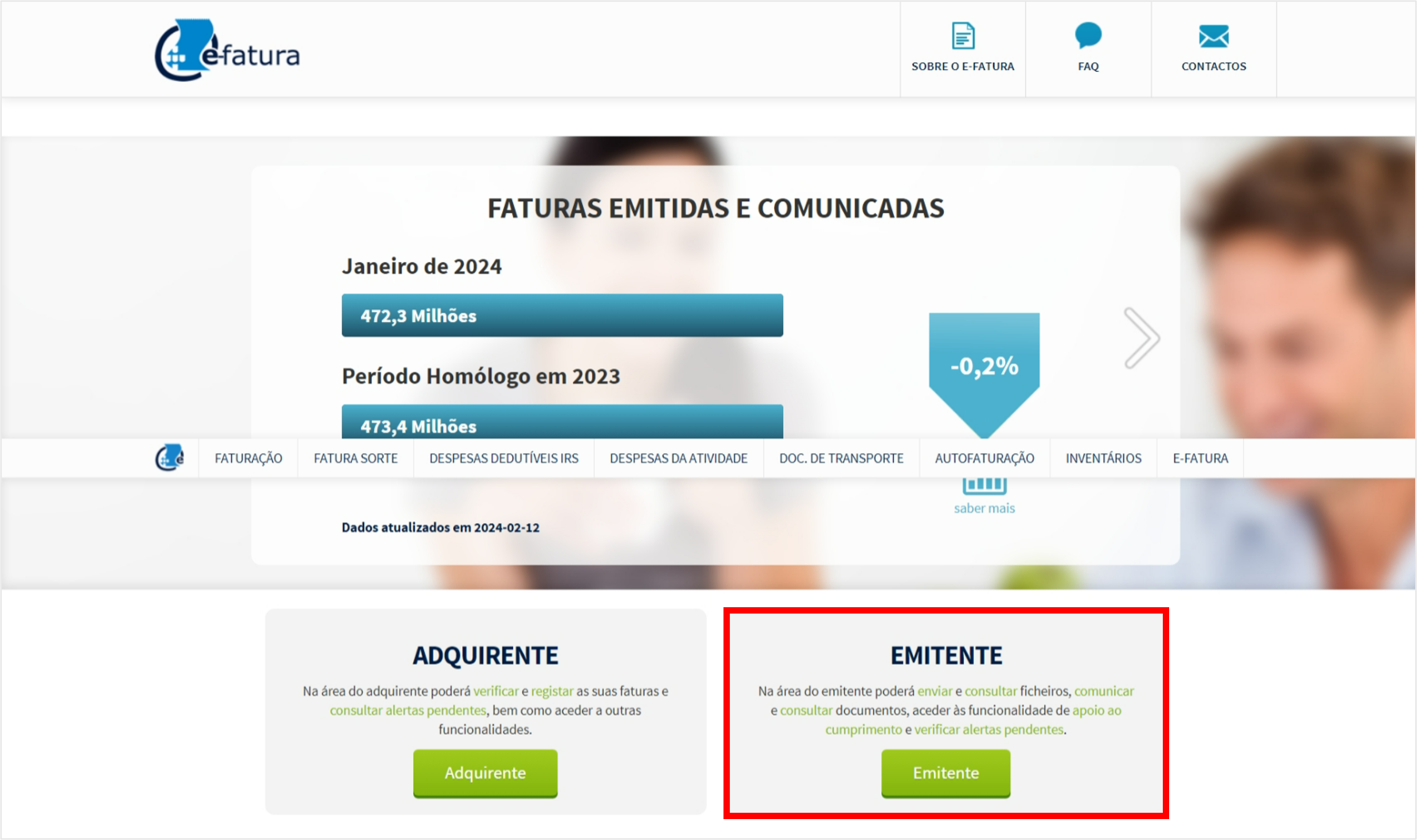
2. Select the "Issuer" option
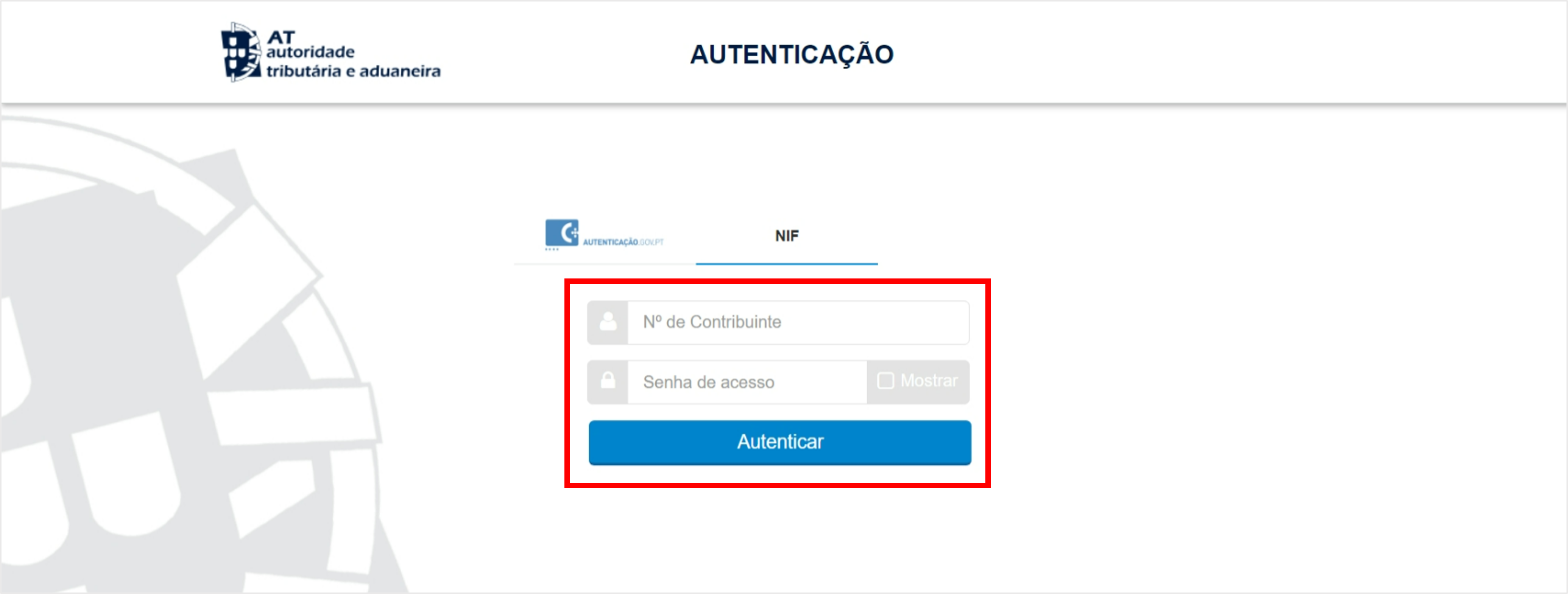
3. Authenticate and click on "Authenticate".
4. If you want to submit the SAF-T file, in the section entitled "File Communication", select the "Send File" option.
or
If you want to report the lack of invoicing, in the section entitled "Monthly report for lack of invoicing", select the "Report" option.
5. If you want to send the SAF-T file , fill in the data regarding the Year and Month of Issue. Then, select “Choose file” and search for the SAF-T file that was sent by MEO Energia . Finally, select the “Send” button.
If you want to report the absence of invoicing, select the month and then click on the "Ok" button.